Remote control over other computers is useful in countless scenarios, especially for people who work in tech support, or basically any company which deals with computers connected to the network. There are numerous tools for this job, but AnyDesk stands out because of several reasons.
Browser-like interface without the setup hassle
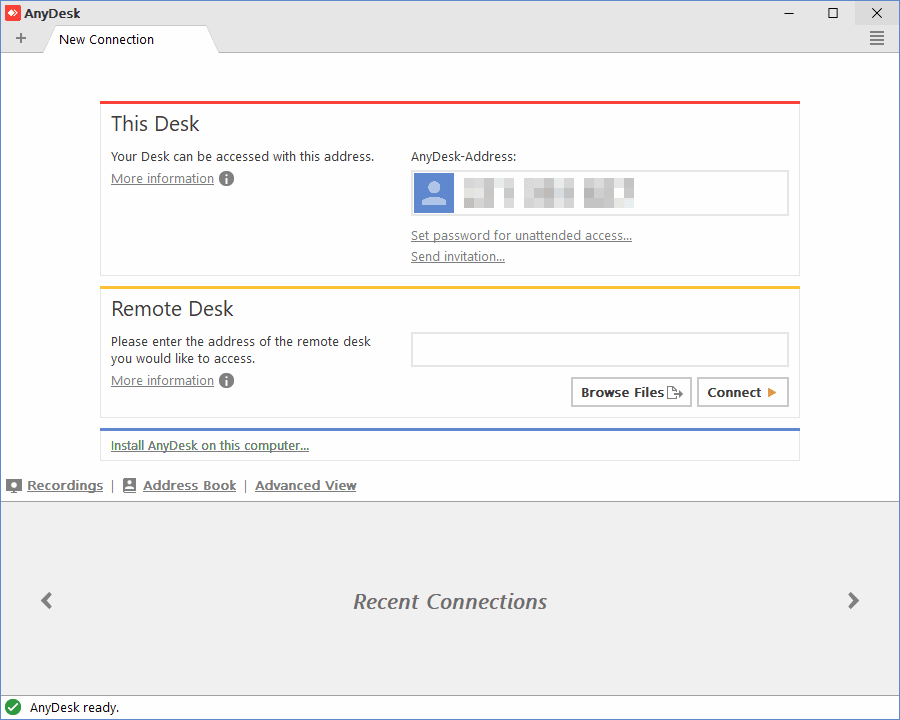
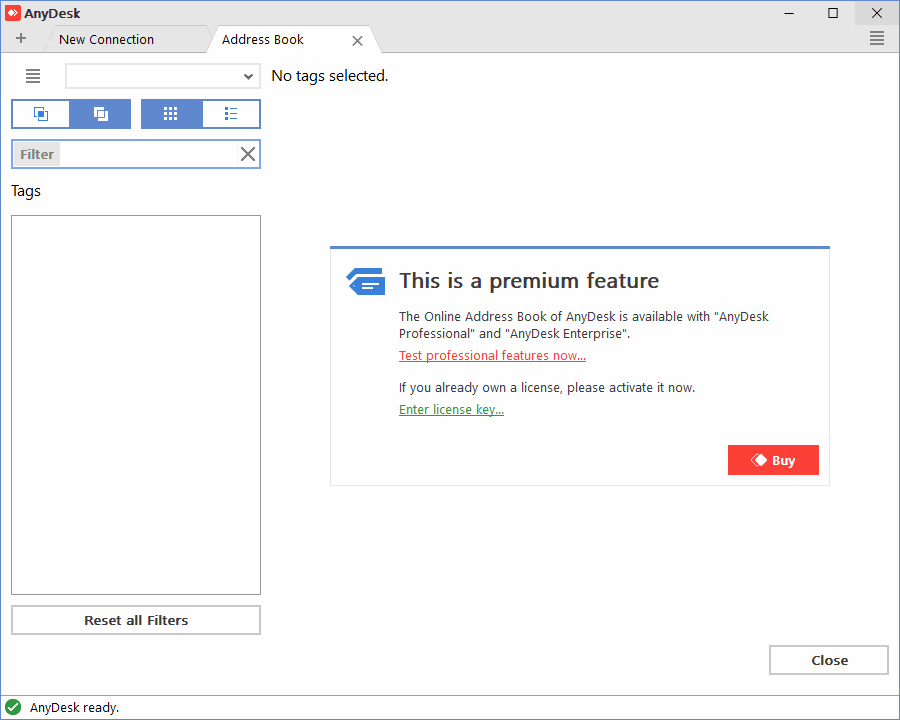
AnyDesk is a free remote access tool, but if you are a company and you wish to use it on a professional scale, you will have to pay for it, as it is free only for private users. After you download it, there is no installation required and you are ready to start immediately. Its user interface reminds you of a browser with new tabs opening up as you open various settings.Fluid connections across major platforms
Its compatibility is amazing, and so far you can enjoy it on Windows, Linux, macOS, as well as Android, iOS, FreeBSD and Raspberry Pi. It's capable of producing a fluid connection even with limited bandwidth, as it can balance the connection in order to provide the best results.Plenty of session controls and security options
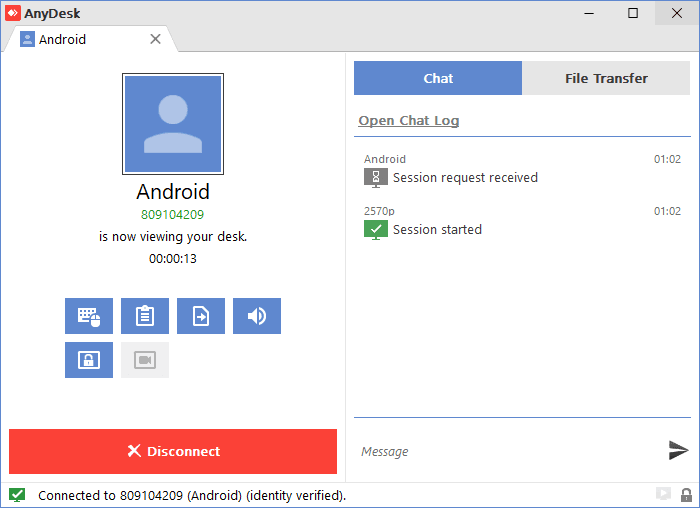
There are plenty of useful settings, which appear after the connection has been established. For example, you can turn off control and use the view-only mode. Transferring files between connected computers is as simple as copying them to the clipboard and simply pasting them inside AnyDesk.
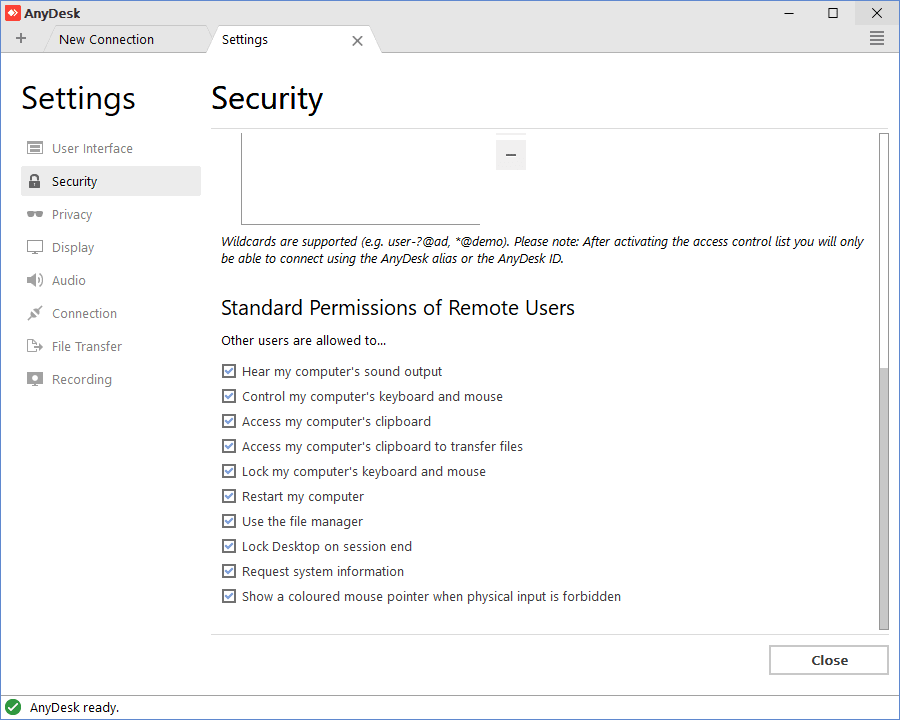
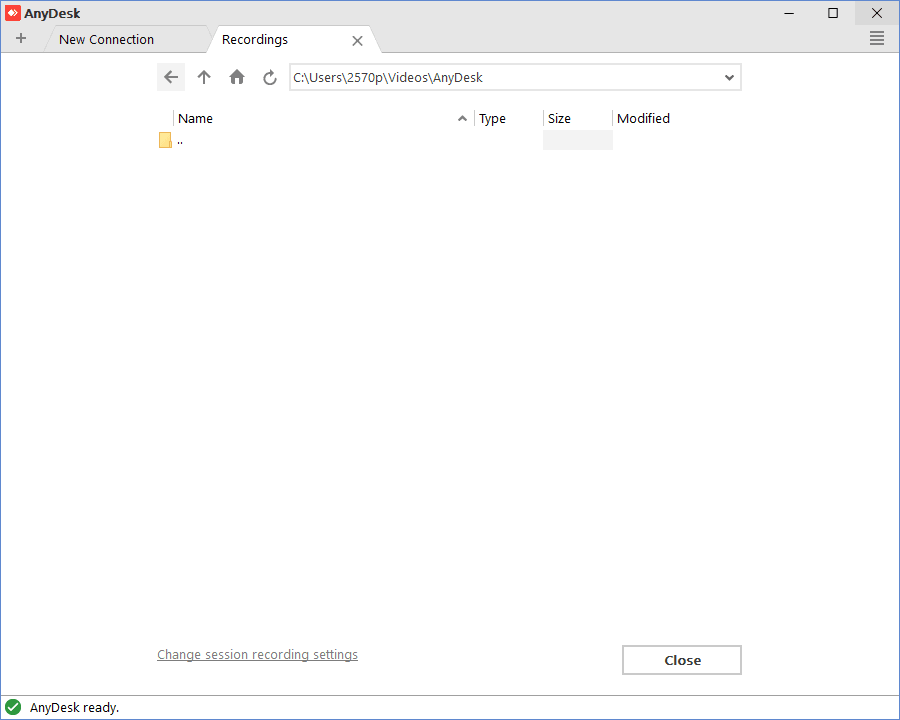
Control can be switched during a session, which can also be extremely useful. If you wish to keep everything monitored, the entire session can be easily saved to a video file as well. As a host, you can customize various security settings, such as preventing the mouse or keyboard from being locked, preventing the restarting of the computer, or disabling the transmission of sound. All of that in a download of just a few megabytes!