AnyDesk is a powerful and popular remote desktop application available across platforms, including Mac. It allows users to access and control computers from anywhere in the world. It has become a popular choice not only for IT professionals, but also for everyday users.
Many remote desktop applications tend to overdo the functionality and end up feeling bloated or unreliable. AnyDesk focuses specifically on speed and simplicity. The user interface is minimal and highly functional. Even as a beginner, you will spend very little time setting up the app to connect to a remote computer or allowing someone else to connect to yours.
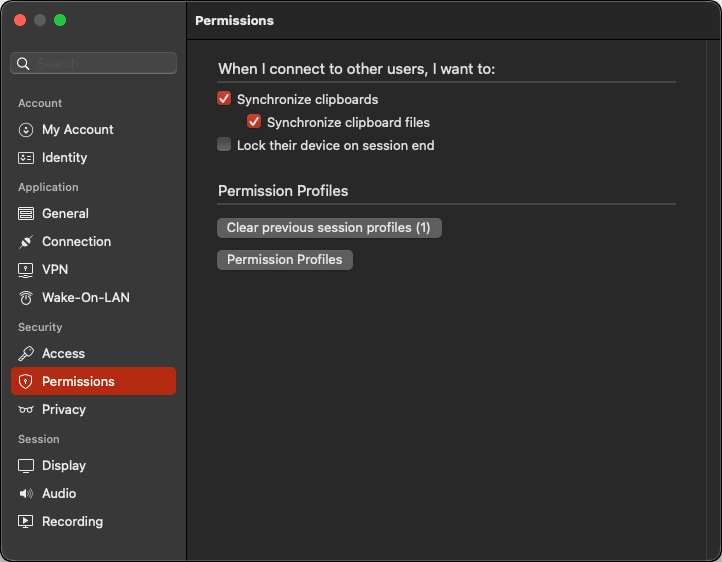
You have full control over access permissions; you can restrict users to only viewing your screen or grant them full control.
How it works
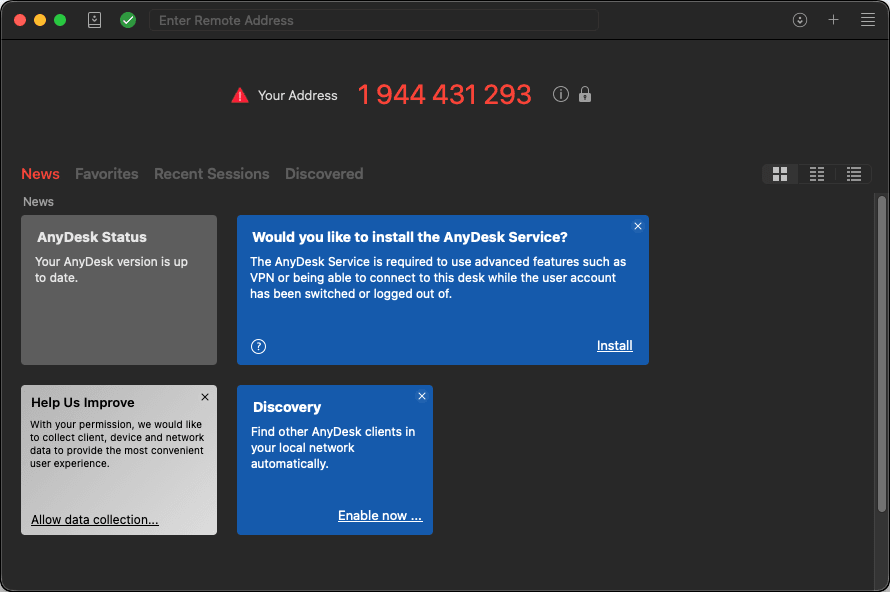
Once you have installed and opened the app, it will generate a unique AnyDesk address for your Mac on your network. You can then share this address with anybody, anywhere in the world, who can use the app on their end (on any platform) to access your Mac. Once they enter the address and connect, you will see a request in your app to allow the connection.Fast remote performance and low latency
One of the things that most remote desktop apps struggle with is speed, smoothness, and latency. AnyDesk, to its credit, solves these issues. The app is designed to deliver high frame rates and low latency, providing a highly responsive experience.
It makes it feel like you are using your own computer even when controlling systems located far away. Tasks such as editing documents, navigating files, or managing software remotely remain smooth and consistent without the heavy lag that sometimes affects other remote desktop tools.Cross-platform support and remote accessibility
For remote desktop apps, cross-platform support is essential. Fortunately, AnyDesk supports a wide range of operating systems, including Windows, macOS, Linux, Android, and iOS.
This makes the app suitable for use cases such as remote technical support, distributed teams, and managing devices across different environments.Pricing
AnyDesk is completely free for non-commercial/non-professional usage. However, it is important to note that the free version strictly limits you to a maximum of 3 managed devices. If you do need it for professional use, they offer different licenses based on the number of users and requirements. Pricing varies based on your specific needs, location, and any ongoing promotions.A dependable remote desktop solution for Mac users
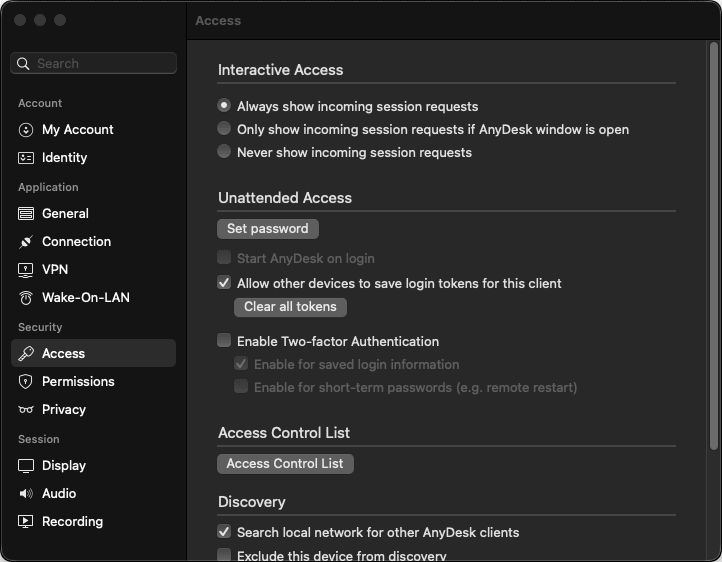
AnyDesk for Mac offers a reliable solution for controlling computers remotely. It combines strong security with practical remote access tools. Connections are protected with encryption, and additional features like two-factor authentication, device whitelisting, and permission controls help ensure secure sessions.
At the same time, features such as file transfer, clipboard sharing, and unattended access make remote work and technical support easy and efficient. With its lightweight design and reliable performance on macOS, AnyDesk remains a versatile solution for both personal users and professionals managing systems remotely.